How to upload and edit images?
For a more comprehensive understanding of the process, please refer to this video tutorial.
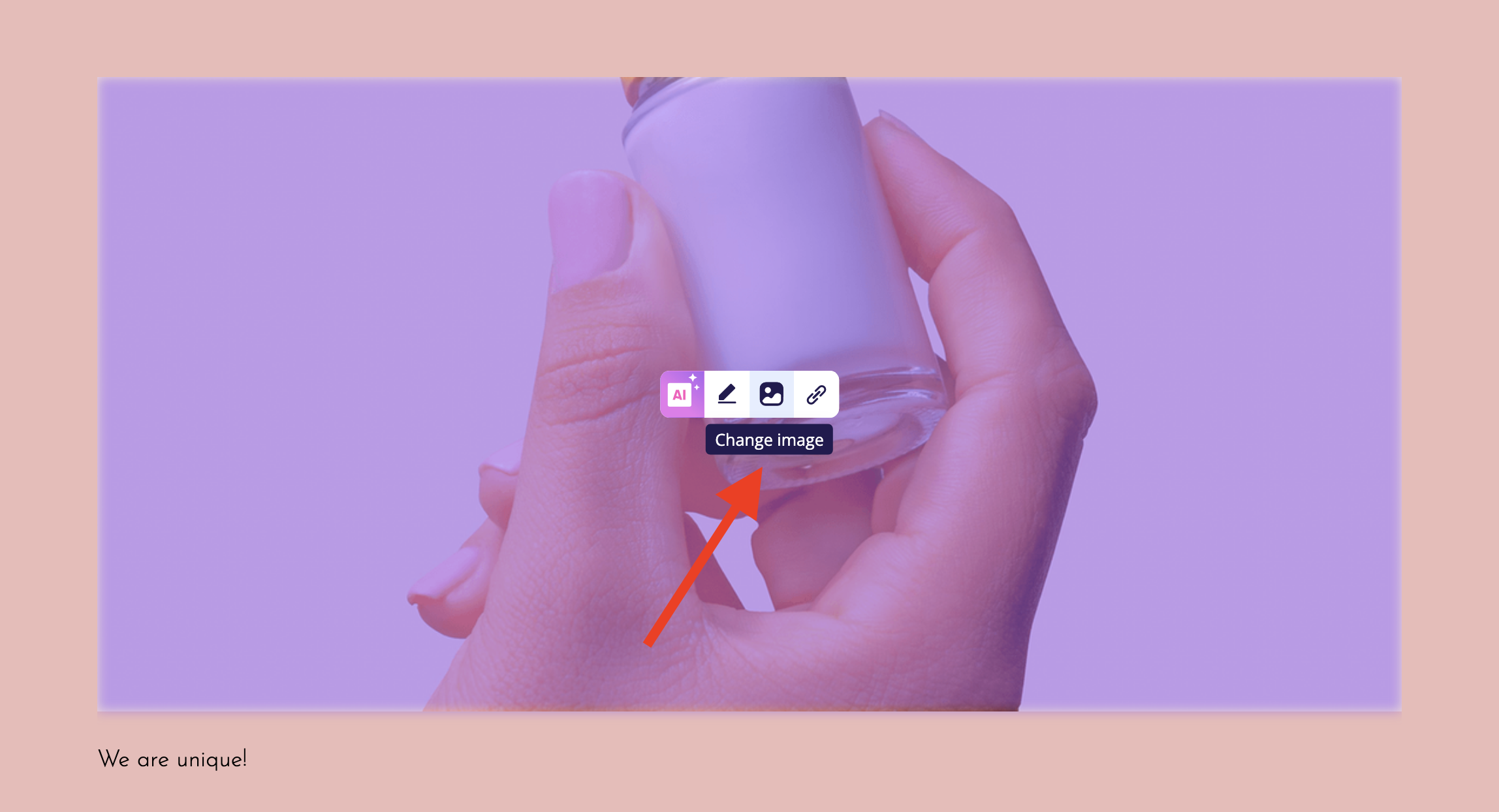
1. To substitute a new image in your widget, simply click the small image icon labeled "Change the image" on the existing image.
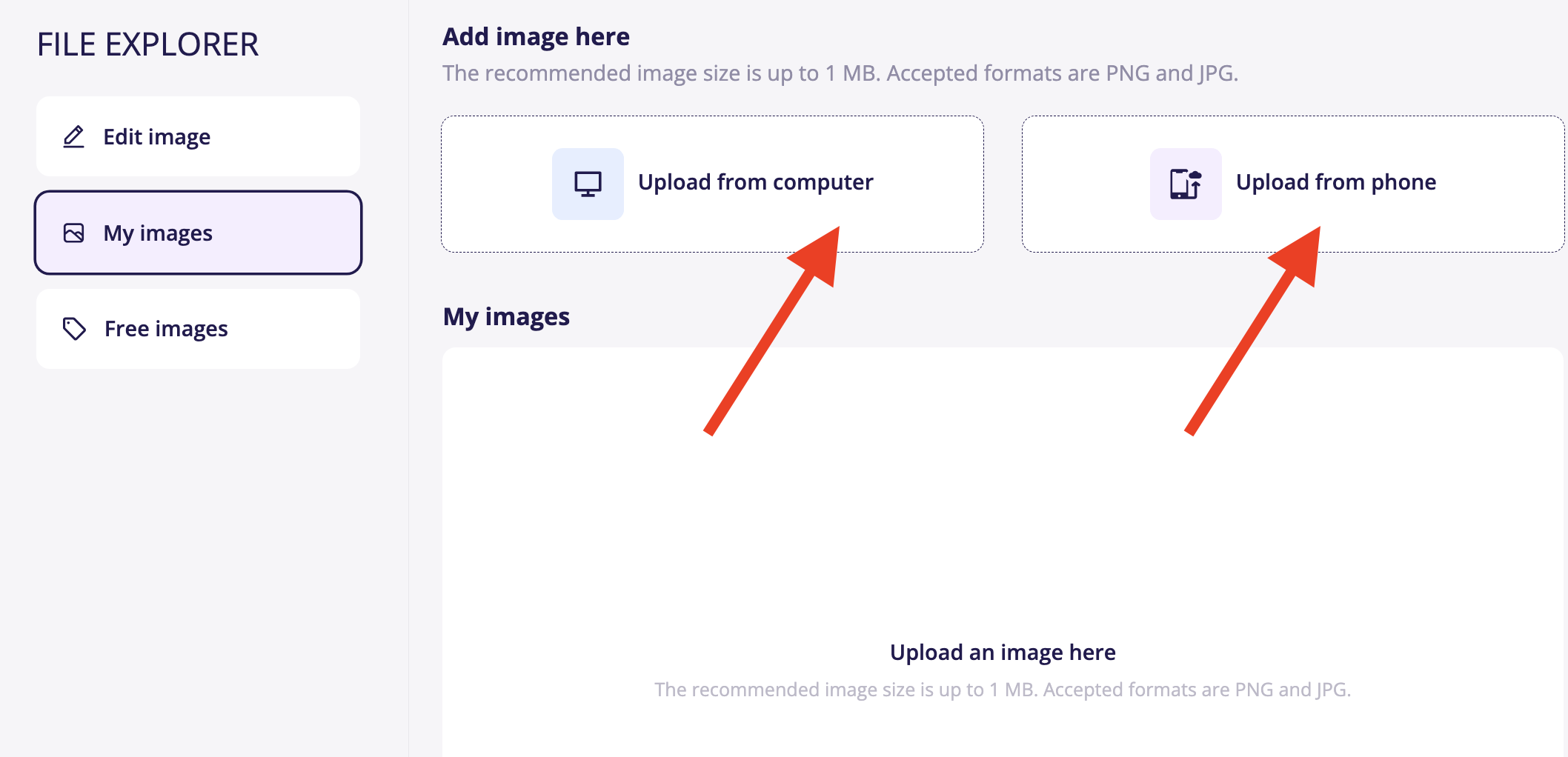
2. Next, you will encounter the option to upload images from your computer or phone; select the option that suits you best.
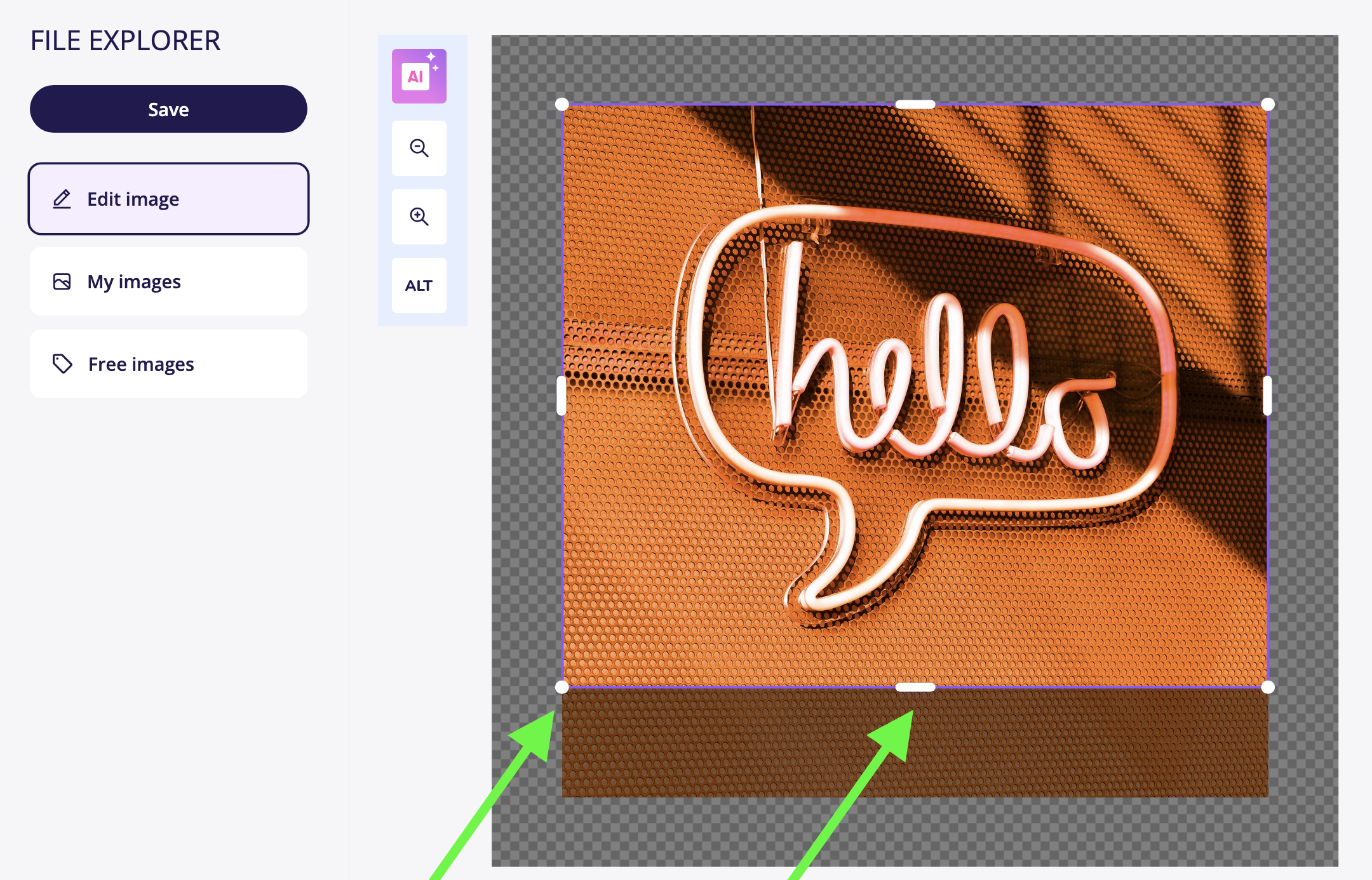
3. After uploading the image, designate the specific area you wish to display on your website. Adjustments can be made by moving and resizing the purple frame. For guidance, please refer to the screenshot.
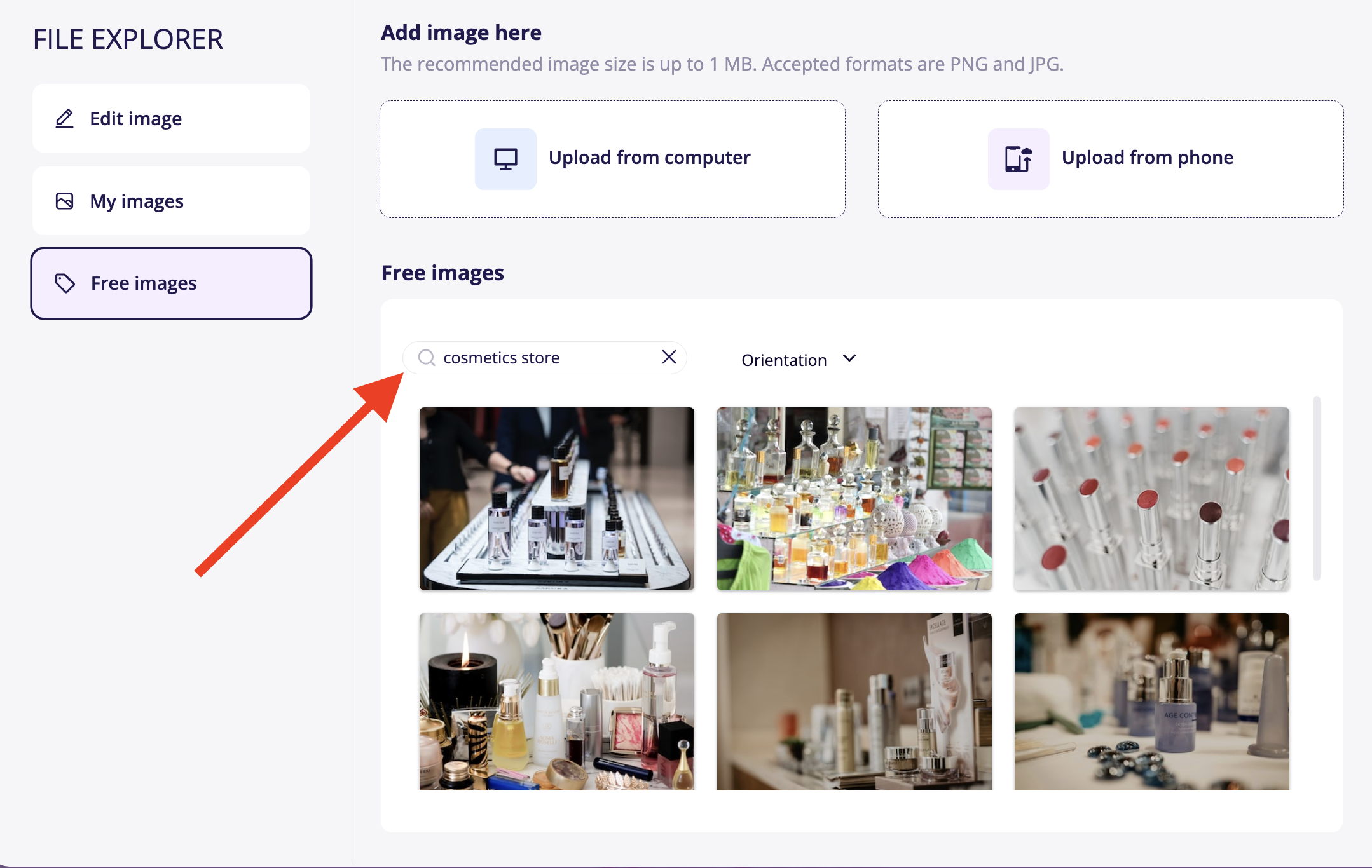
4. Alternatively, you can opt for an image from our stock images. A search option for the correct image category will be available.